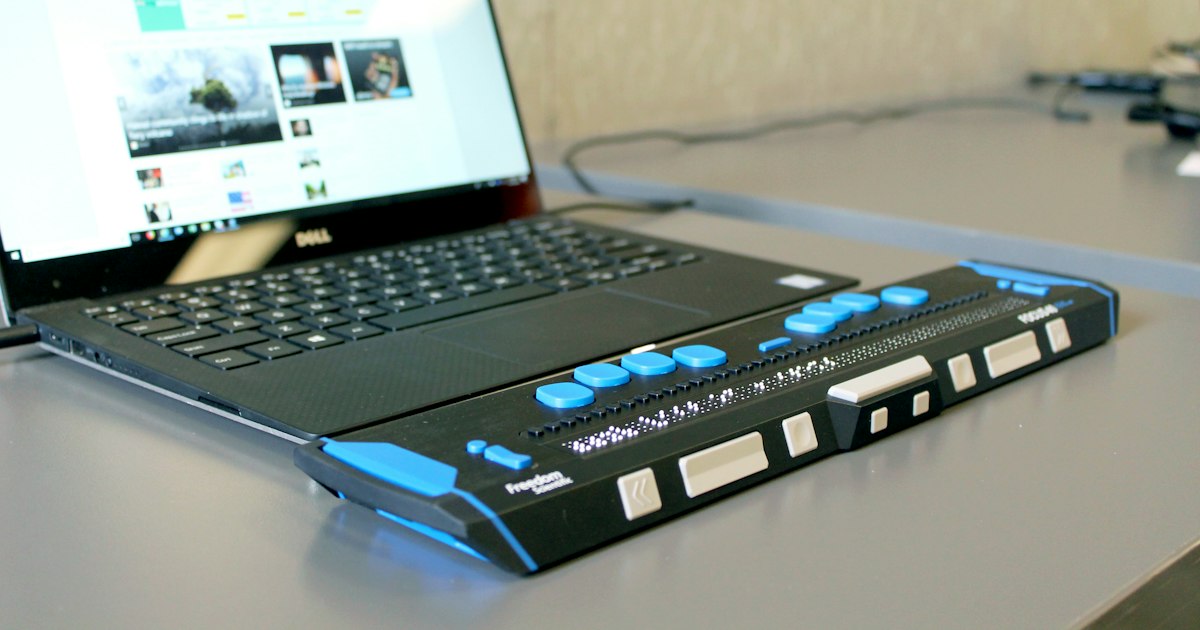
Since 28 June 2025, the European Accessibility Act has required many products and services sold to consumers in the EU to be accessible to people with disabilities. Online shops and other e-commerce services are among them.
If you sell online, it's worth knowing whether it applies to you and what an accessible website actually involves. This guide covers both. It isn't legal advice; for your own situation, talk to a lawyer.
Last checked against the text of Directive (EU) 2019/882 on EUR-Lex and the European Commission's summary on 18 November 2026.
What the Act is
The European Accessibility Act is an EU directive, Directive (EU) 2019/882. EU countries had to turn it into national law by June 2022 (European Commission) and apply those rules from 28 June 2025 (EUR-Lex). Because each country enforces its own national law, procedures and penalties differ between countries.
Which services it covers
The Act covers products such as computers, smartphones, ATMs and ticket machines, and services including (European Commission):
- e-commerce
- banking services
- e-books
- telephony services
- access to audio-visual media services
- services related to air, bus, rail and waterborne passenger transport
The directive defines e-commerce services as services provided at a distance, through websites and mobile apps, at a consumer's request, with a view to concluding a consumer contract (EUR-Lex). In plain terms: if consumers can buy from you through your website or app, the Act is likely to be relevant.
Who is exempt, and transitional periods
- Microenterprises providing services are exempt. The directive defines a microenterprise as one with fewer than 10 employees and an annual turnover or balance sheet total of no more than EUR 2 million (EUR-Lex).
- Some transitional periods apply. Service contracts agreed before 28 June 2025 can continue unchanged until they expire, but for no longer than five years from that date. Service providers can also keep using products they already used before then until 28 June 2030 (EUR-Lex).
The directive also allows exceptions where a requirement would fundamentally alter a service or impose a disproportionate burden. These have to be assessed and documented, so treat them as a narrow exception, not a way out.
What about businesses outside the EU?
The Act is generally read as applying to services offered to consumers in the EU, wherever the business is based. If you sell to EU consumers from outside the EU, take legal advice on how it applies to you and which countries' rules matter.
What an accessible website involves
The directive sets accessibility requirements rather than naming a single web standard. In practice, most teams test websites against the Web Content Accessibility Guidelines (WCAG) at level AA. Common problems include:
- Keyboard access: menus, filters, pop-ups and checkout steps that can't be used without a mouse.
- Missing focus outlines, so keyboard users can't see where they are on the page.
- Images without useful alternative text, especially product images and icons used as buttons.
- Low colour contrast on text, buttons and form fields.
- Forms without proper labels or clear error messages.
- Video without captions.
- Cookie banners and pop-ups that trap keyboard or screen-reader users.
Where to start
- Test the journeys that make money first: finding a product, adding it to the basket, checking out, logging in and contacting you.
- Combine automated and manual testing. Automated tools catch some issues; keyboard and screen-reader testing finds the rest.
- Fix templates, not individual pages. On a theme-based site, one template fix can correct hundreds of pages.
- Check third-party apps and plugins, such as reviews, chat and payment widgets, and ask their vendors about accessibility.
- Publish an accessibility statement that says what you've done, what's still being fixed and how people can contact you.
- Make accessibility part of every release, so new features don't undo the work.
We don't recommend relying on accessibility overlay widgets. They don't change the code underneath, and that code is what people using assistive technology actually depend on.
FAQ
Does the Act apply to my small business?
If you're a microenterprise providing services, as defined above, you're exempt from the requirements for services. Larger businesses selling to consumers in the EU should assume it's relevant and check.
Is meeting WCAG the same as complying with the Act?
Not exactly. The Act sets its own requirements and each country enforces its own law. WCAG level AA is the practical benchmark most teams use to meet them.
Does it apply to a website that only gives information?
The e-commerce part concerns selling to consumers at a distance, so a purely informational site may fall outside it. Other parts of the Act, or other laws, may still apply depending on your sector, so check.
Can an accessibility plugin or widget make my site compliant?
A widget can't change inaccessible code underneath it. Fix the theme, templates and content, then test with real assistive technology.
Our web design and development and Shopify development teams can audit your key journeys against WCAG level AA and fix the templates. Ask for an accessibility review.
Written by
Tushar Makwana
Tushar Makwana is the founder of Takshvi Agency, a HubSpot Solutions Partner. He scopes and builds websites, HubSpot themes and CRM systems, and writes about the platform decisions behind that work.