

Most HubSpot portals
fail on the data model.
Not on adoption, and not on training — though both are usually blamed. When the object architecture is wrong, every workflow, report and automation built on top of it inherits the fault.
We design the data model first. Everything else follows from it.
Most enquiries fall into one of five.
Each needs a different piece of work. Pick the one that sounds like your portal. Not sure which applies? The assessment establishes that before any scope is written.
What HubSpot Implementation Involves
What HubSpot implementation involves
HubSpot implementation is the configuration of HubSpot as an operating system for a revenue team. It covers the data model, object relationships, lifecycle stages, pipeline architecture, automation, permissions and reporting — and, where the CMS is used, the website that feeds it. A complete implementation also includes migration of existing records, team training, and a documented governance model determining who maintains the system after launch.
Most organisations arrive at HubSpot from a spreadsheet, a legacy CRM, or a portal configured by someone who has since left. The work divides into four questions, and the order matters.
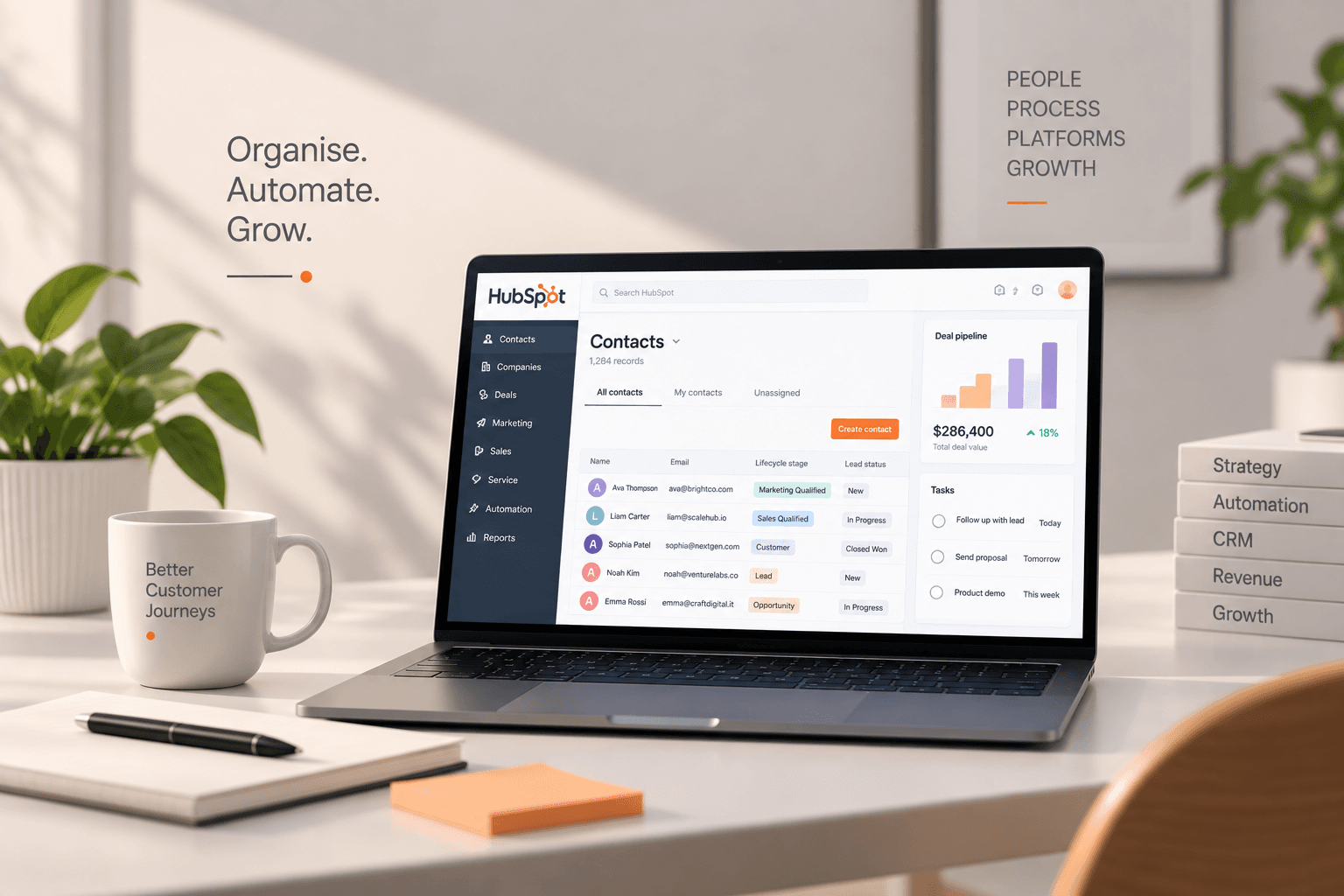
What are your objects, and how do they relate?
Contacts, companies, deals, tickets and custom objects. Get this wrong and reporting never resolves.
What is the lifecycle, and who owns each stage?
Lifecycle stages describe the relationship. Pipeline stages describe the transaction. Conflating them is the most common configuration error we encounter.
What must it connect to?
ERP, finance, support, product, commerce. Integration depth determines whether the CRM becomes the source of truth or another silo.
Who maintains it in eighteen months?
The answer shapes how much automation is appropriate. A system nobody can service degrades faster than one that does less.
HubSpot CRM implementation
Configuration of HubSpot as an operating system for your revenue team, with the data model designed before anything is built.
- —Object model, properties and documented data standards
- —Lifecycle and pipeline architecture, with stage ownership
- —Marketing, Sales, Service and Operations Hub configuration
- —Lead scoring, routing and lifecycle automation
- —Permissions, teams and record access
- —Role-based training, recorded, with written documentation
- —Three months hypercare, included
HubSpot CMS development
Websites built on CMS Hub so that every page view and form submission reaches the revenue team as usable data.
We build a module library rather than a page library. Your marketing team assembles pages; they don’t request them.
- —Custom theme development, built from the brand, not a marketplace template
- —Reusable, editable module library
- —Core Web Vitals and performance engineering
- —SEO foundations implemented at build
- —CRM, forms and analytics integrated at launch
- —Editorial training and handover documentation
Salesforce, Zoho and Pipedrive migration to HubSpot
Transfer of records, history and process from an existing CRM, with nothing switched off until the numbers match.
Most migration anxiety is about data loss. In practice the damage is subtler: history arrives without context, duplicates multiply, and the team quietly stops trusting the CRM within a month.
- —Source audit: what exists, what is duplicated, what should not come across
- —Field and object mapping, documented before transfer
- —Deduplication and normalisation at source
- —Historical activity, notes, attachments and ownership preserved
- —Parallel running with both systems live
- —Reconciliation report signed off before cutover
HubSpot integration and API development
Connection of HubSpot to the systems your business already runs on.
Integration is where most HubSpot projects quietly fail — not at the point of connection, but six months later, when sync conflicts accumulate and nobody can say which system holds the truth for a given field.
We define ownership per field before connecting anything. One system writes, the others read.
- —Field-level ownership mapping
- —Native connector configuration and evaluation
- —Operations Hub data sync and programmable automation
- —Shopify and commerce platform integration
- —ERP and finance integration — NetSuite, Sage, Xero, SAP
- —Custom API development where no connector exists
- —Error handling, monitoring and failure alerting
Portal audit and remediation plan
A structured review of an existing portal, producing a written diagnosis and a remediation plan prioritised by impact.
Portals rarely fail loudly. They drift. A property added here, a workflow duplicated there, a lifecycle stage nobody agreed on — and eighteen months later the reporting doesn't reconcile and nobody can explain why.
- —Full portal and data model review
- —Lifecycle and pipeline configuration against actual process
- —Workflow inventory: what runs, what conflicts, what no longer fires
- —Data quality, duplication and enrichment gaps
- —Integration health and sync conflicts
- —Reporting accuracy and dashboard usage
- —Adoption: who logs in, who logs activity, who has gone back to a spreadsheet
- —Licence tier against actual usage
When We Advise Against HubSpot
How we are paid
The independence claim on every service page is only an assertion until the model behind it is published. This is the model.
We are paid by clients, for work delivered. That is the entire model.
Where the sales process is genuinely bespoke
Extending HubSpot past its own assumptions produces a fragile system. Custom software is the more honest answer.
Where the requirement is transactional commerce
Shopify runs commerce properly. HubSpot supports the marketing around it, not the operation of it.
Where the CMS is chosen for design flexibility
If visual differentiation is the commercial lever, Webflow will serve you better, and we will recommend it.
Where no one will own the system internally
The most important condition and the least discussed. We would rather decline the engagement than deliver into that.
Where the budget cannot cover licence and implementation both
Under-implemented HubSpot is worse than no HubSpot, because the organisation concludes the platform failed rather than the configuration.
Where a native connector already does the job
On integration we will frequently tell you to use the free connector rather than build. This costs us work and saves you money.
HubSpot Implementation Timeline
The timeline depends on the scope, complexity, and HubSpot setup involved. We’ll define the implementation phases and expected timeline based on your requirements.
HubSpot licensing is purchased directly from HubSpot and is not included in our implementation services. We’ll recommend the right tier for your needs, including where a lower tier is sufficient.
A few things people ask first.
Can you fix an existing portal rather than rebuild it?
What is the difference between lifecycle stages and pipeline stages?
Will our data survive a migration from Salesforce?
How long do we run both CRMs during a migration?
Can marketing build pages themselves on HubSpot CMS?
Do we need Operations Hub for integration?
Which HubSpot tier do we need?
What happens after launch?
Do we own the configuration and documentation?
The framework produces a recommendation in a single conversation.
One conversation, followed by a written recommendation: what we would build, in what order, and roughly what it costs.
Written recommendation within five working days. No proposal unless you ask for one.